
Backup capacity and window planner
Backup Retention and Window Planner
Plan how much backup capacity your retention policy really needs, and check whether the nightly job finishes before your window closes — using measured storage and network throughput instead of guesses.
What this tool answers
Most backup plans fail in one of two ways, and neither is obvious until the day you need a restore. The first is capacity: a retention policy written as “7 daily, 4 weekly, 6 monthly” sounds modest, but with a full-copy model it is seventeen complete copies of your dataset. The second is time: a job that takes 3.4 hours instead of 26 minutes does not fail, it just finishes after the window you thought you had.
This planner takes your dataset size, your change rate and your retention counts, then reports how much capacity the policy actually consumes and whether the first full backup and each nightly incremental fit inside the window you set. Every rate it uses was measured on real hardware, and you can override it with your own measurement.
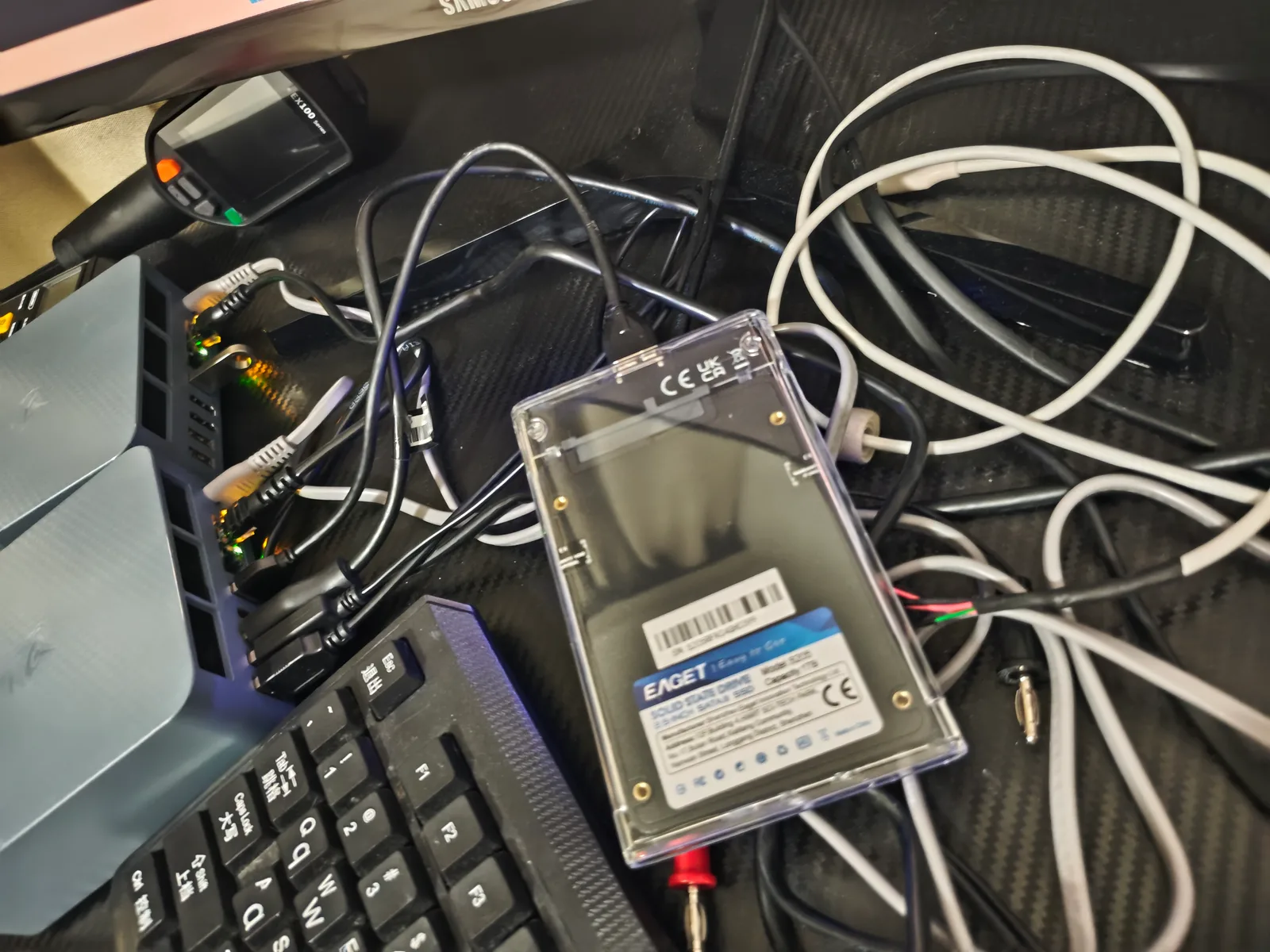
The measured basis
| Path | Write | Read | Integrity |
|---|---|---|---|
| Internal NVMe, sustained 50 GiB | 623.29 MiB/s | 468.2 MiB/s | SHA-256 matched |
| Three faster USB-A paths | 300.64 – 301.91 MiB/s | 431.80 – 432.06 MiB/s | matched |
| One degraded rear USB-A path | 39.35 – 39.75 MiB/s | 40.95 – 43.12 MiB/s | matched 3/3 |
| Wired gigabit to a second PC | 108.76 MiB/s | 112.2 MiB/s | complete |
These are large sequential single-stream transfers of 4 GiB or 50 GiB. They model a backup archive well and a database poorly, which is why the tool is aimed at file-level and image-level backups rather than at sizing a live database volume. Raw logs and hashes are published in the eqi12-measurement-data repository.
How the numbers are computed
MIB        = 1,048,576 bytes
GB         = 1 x 10^9 bytes
delta      = size x (change rate / 100)
effective  = selected rate x (1 - overhead / 100)
time       = bytes / (effective x MIB)

Snapshot / deduplicated model:
  capacity = size + delta x (daily + weekly + monthly)

Full copy per version model:
  capacity = size x (daily + weekly + monthly)

Window check: first full backup and each nightly incremental
must both complete inside the window you set.
The deduplicated model assumes every retention point stores only the blocks that changed when it was taken. That is how restic, borg, kopia and rsync --link-dest behave, and it is why a modest-looking policy stays affordable. The full-copy model is what a naive nightly cp or robocopy into a dated folder produces, and it scales with the number of points, not with the change rate.
Worked example
A 500 GB media and document set with a 2% daily change rate, kept as 7 daily, 4 weekly and 6 monthly points, backed up to a fast USB SSD with 10% overhead. The first full backup moves 500 GB at about 271 MiB/s effective and takes roughly 29 minutes. Each nightly incremental moves about 10 GB and takes under a minute. Under the snapshot model the retained set holds one full copy plus seventeen deltas, so capacity lands near 670 GB. Switch the same policy to full copies per version and the same retention needs about 8.5 TB.
Now move that job onto a degraded USB path at 39.49 MiB/s. Effective throughput drops to about 35.5 MiB/s, the first full backup takes roughly 3.7 hours, and the nightly incremental still fits — but only because the change rate is small. Raise the change rate to 10% and even the incremental stops fitting a six-hour window on that path.
Assumptions and limitations
- Rates are measured on one Beelink EQi12 with one external SSD. Your drive, cable, port, filesystem and controller will differ — use the commands on the storage placement comparison to measure your own path, then enter it as a custom rate.
- The overhead field is yours to set. It stands for filesystem metadata, small-file penalties, encryption, compression, and protocol chatter. Ten percent is a starting point, not a measurement.
- The window check compares transfer time only. It does not include scanning, hashing, verification, deduplication or repository compaction, all of which add real time to the first run especially.
- Selecting the internal NVMe as the target is supported by the arithmetic but is not a backup. A copy on the same physical disk does not survive that disk. The tool flags this.
- Nothing here replaces a restore test. A backup you have never restored is a hypothesis, not a backup.
Frequently asked questions
How much backup space do I need for a 2 TB library?
It depends entirely on the model, not the size. With a deduplicating tool and a 1% daily change rate, seventeen retention points add roughly 340 GB on top of the 2 TB full copy. With full copies per version the same policy needs about 34 TB. That gap is the single biggest decision in a backup plan.
Why does my first backup take so much longer than the nightly ones?
The first run has to move every byte; later runs move only what changed. If the first run exceeds your window, seed it manually during the day or over a weekend rather than shortening the window in your scheduler.
Is a network share fast enough for nightly backups?
Usually yes. At the 108.76 MiB/s we measured end to end on a healthy gigabit path, a 500 GB full backup takes about 1.2 hours and a 10 GB incremental takes about 1.6 minutes. Use the Network Transfer Time tool if you need protocol overhead modelled in detail.
What is a safe retention policy for a home server?
Something like 7 daily, 4 weekly and 6 monthly with a deduplicating tool gives you a month of fine-grained recovery and half a year of coarse recovery for a modest capacity cost. The right answer is the one you have actually restored from, so test a file every quarter.
Does this cover the 3-2-1 rule?
It sizes one leg of it. The rule asks for three copies, two media types and one off-site. This tool tells you whether the copy you are planning fits in your window and how much space it will consume.