
The short answer
Thermal throttling is real only when a clock drop coincides with a temperature reading at the processor’s limit while work is still queued. A high temperature alone does not prove it, and most light home servers never get there: our own 12.57-hour run peaked at 52% sampled CPU.
What we measured on our unit
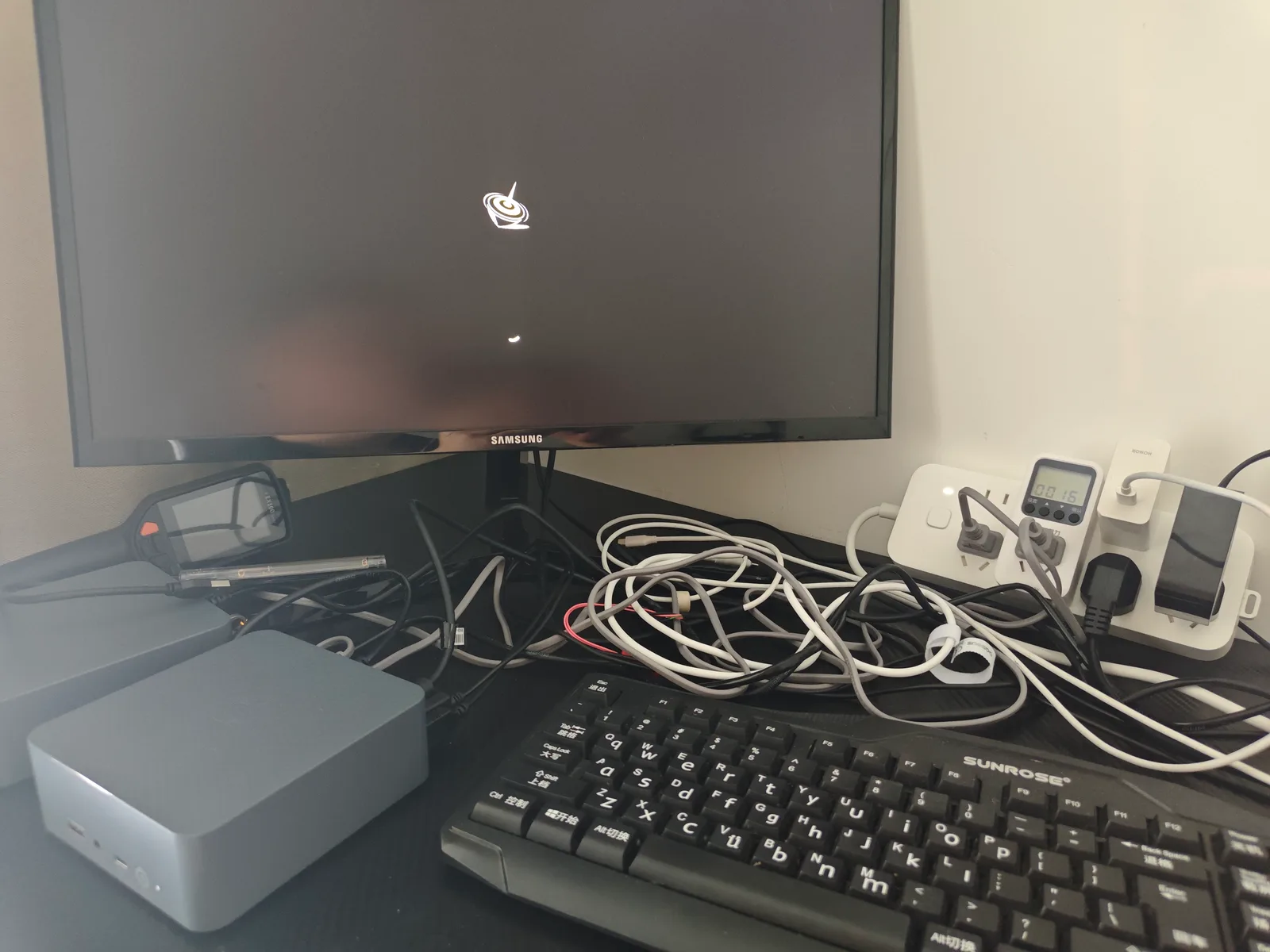
We only publish first-hand figures for the machine on our bench: a Beelink EQi12 with an Intel Core i3-1215U.
| Item | Observation | Where it came from |
|---|---|---|
| Monitored duration | 12.57 hours | 150 samples at roughly five-minute intervals |
| Maximum sampled CPU | 52% | Host resource sampling during the run |
| Minimum available memory | 5,472 MB | Same sampling record |
| HTTP failures | 0 | Application endpoint checks |
| Container health or running failures | 0 | Container state sampling |
| Maximum restart count | 0 | Restart counters |
| Wall power, sustained CPU load | 37 W | Separate physical-meter observation, all logical processors at 100% |
Two honest notes about that table. First, the 37 W figure is a separate, shorter observation than the 12.57-hour run; it proves the machine can be driven to sustained all-core load and what it draws there. Second, we did not retain a calibrated temperature measurement for this unit, so this page publishes no °C figure for our hardware. Thermal images exist in our archive, but an unlabelled thermal frame is not a temperature measurement, and we do not convert one into a claim.
The 52% maximum is the most useful number here. It says that a light service stack — nginx, PostgreSQL, Redis and Jellyfin idle — does not thermally saturate this class of machine. If your mini PC home server looks like that, throttling is unlikely to be your bottleneck. If it runs sustained transcoding or a build farm, the situation is different and the evidence below is what you need.
What the vendors actually document
Two numbers matter, and only one of them is officially published.
| Limit | Value | Status |
|---|---|---|
| Junction temperature maximum (TjMax) | 100 °C | Documented by Intel for the Core i3-1215U |
| Processor base power | 15 W | Documented by Intel |
| Maximum turbo power | 55 W | Documented by Intel |
| Minimum assured power | 12 W | Documented by Intel |
| Firmware throttle threshold | Not published for this model | A third-party teardown of the EQi12 series reported roughly 85 °C on the i3-1220P variant — a different processor from ours |
That third row is the crux. The silicon limit is documented; the firmware’s own earlier threshold is usually not, which is why “what temperature should my mini PC be” has no clean official answer. The vendor picks a fan curve and a throttle point, ships them, and documents neither in the user manual.
The three protection layers
Understanding throttling requires knowing that it is the middle layer of three, not a single event.
Layer 2 deserves emphasis because it is the most misunderstood. A power limit caps performance without any relation to temperature at all. If a mini PC holds a lower clock than its specification suggests, the cause may be PL1 or PL2 rather than heat — see the companion page on mini PC PL1 and PL2 power limits. Diagnosing a power wall as a thermal problem sends you hunting for dust while the real cause sits in a firmware menu.
The causes, in the order worth checking
| # | Reported cause | How you can tell it apart | Move |
|---|---|---|---|
| 1 | Stratified intake or blocked airflow | Rises gradually over weeks, worse after the unit moved to a shelf, cupboard or carpet | Restore clearance under the unit; the EQi12 draws air from its base |
| 2 | Dust-loaded heatsink fins | Same shape of curve, higher absolute temperatures than when new | Clean the intake path and fin stack with compressed air |
| 3 | Sustained workload genuinely above the design point | Temperature and clock both plateau, and throughput is stable at a lower level | Cap the workload, spread it out, or accept the plateau |
| 4 | Fan curve too passive | Temperature climbs while fan speed barely moves | Tune the curve — see the fan policy page |
| 5 | Power limit, not heat | Clock is capped while temperature is unremarkable | Investigate PL1 and PL2 instead |
| 6 | NVMe drive throttling, not the CPU | Storage throughput collapses on long writes while CPU temperature is flat | Check SSD temperature and add an M.2 heatsink with real contact |
| 7 | Degraded thermal paste | Two or more years old, progressively warmer at the same load | Repaste — the last resort, and the one with the most risk on a compact chassis |
Rank 6 is a frequent misdiagnosis. Storage throttling produces the feeling of a throttling CPU — a long copy slows down partway through — while the processor sits comfortably cool. Third-party guidance on this class of machine notes that a consumer NVMe under sustained write load can fall far below its rated speed, and that many boards ship without a thermal pad on the drive.
How to prove it: collect three signals together
Do not measure temperature alone. Measure the trio.
Windows
- HWiNFO64 — watch
CPU Packagetemperature and the effective clock in the same window, at the same time. - Task Manager → Performance → CPU — confirm the workload is still demanding, not that the queue drained.
powercfg /getactivescheme— rule the power plan in or out before blaming heat.
Linux
# Package temperature, refreshed every 2 seconds
watch -n 2 sensors

# Per-core current clock, to see a drop in progress
watch -n 2 "grep MHz /proc/cpuinfo"

# Confirm the workload is still queued while clocks fall
uptime
The evidence pattern that proves throttling has a specific shape: temperature flat near the limit, clock falling, load average still high. If the load average falls at the same time as the clock, the work simply finished and you are observing idle behaviour, not throttling.
Repeat the same burdened workload before and after any change. Without a matched workload, a lower temperature proves nothing except that less work happened.
What is genuinely not a problem
- A fan that ramps during a backup or transcode is doing its job. Noise is not evidence of a fault.
- A warm chassis surface is normal for a passively assisted design. Case warmth is not a die temperature.
- A short CPU spike to a high temperature on a small chassis is expected; the question is whether a sustained workload can be held, not whether a peak occurred.
- Throttling itself. It is protective. The thing to investigate is a machine that throttles during light work — that one has a cooling problem, per third-party temperature guidance that treats anything above roughly 85 °C during light tasks as a cooling fault rather than normal behaviour.
Where to go next
- Mini PC PL1 and PL2 power limits — the other limit that caps performance without heat.
- Mini PC fan policy in BIOS — thresholds, modes and the tuning order that changes the thermal outcome.
- EQi12 12.57-hour stability test — the monitored run whose 52% peak CPU this page relies on.
- EQi12 seven measured power states — the wall-power figures by state, including the 37 W sustained load observation.
- NVMe critical warning 0x02 temperature — when the thing actually overheating is the SSD rather than the CPU.
Sources
Measured on our unit
- Beelink EQi12 (i3-1215U) — 12.57-hour monitored run: 150 samples, maximum sampled CPU 52%, minimum available memory 5,472 MB, zero HTTP, container-health or restart failures. Source:
/lab/beelink-eqi12-12-hour-stability/. - Wall power, sustained CPU load: 37 W with all logical processors at 100%, from a separate physical-meter observation. Source:
/lab/beelink-eqi12-power-consumption/. - No temperature value is published for our unit, because no calibrated temperature measurement was retained. Thermal imagery in the archive is excluded from claims for this reason.
Manufacturer and vendor documentation
- Intel Core i3-1215U product specification — 100 °C junction maximum, 15 W base power, 55 W maximum turbo power, 12 W minimum assured power, no ECC support. Source: Intel ARK.
Third-party teardowns and guides (reported, not measured here)
- Teardown of the EQi12 series, i3-1220P variant — reported default throttle threshold near 85 °C and fan behaviour around 2000 rpm rising toward 3700 rpm under sustained stress. Different processor variant from our unit; cited as variant-specific.
- Nerd Techy — mini PC temperature bands by load (idle, moderate, heavy, and the territory where throttling begins).
- Selfhosting — silent and fanless home server guidance (sustained versus peak temperature targets, and the note that a fanless unit tuned at 22 °C room temperature may throttle at 35 °C).
- Big Iron — N100/N305 mini PC class limits (thermal throttling on fanless boards, NVMe throttling under sustained write, and BIOS thermal-policy quality varying by vendor).
- Intel Community — PL1 and PL2 configuration guidance for Alder Lake-N class hardware, including the vendor-support position that PL1 should track the processor’s rated power and PL2 should follow the machine’s own thermal and power capability.
Any threshold attributed to a different processor model is labelled as a third-party report. Our own thermal claims are limited to what the bench record contains.